
Drawing a border
Output
Section titled “Output”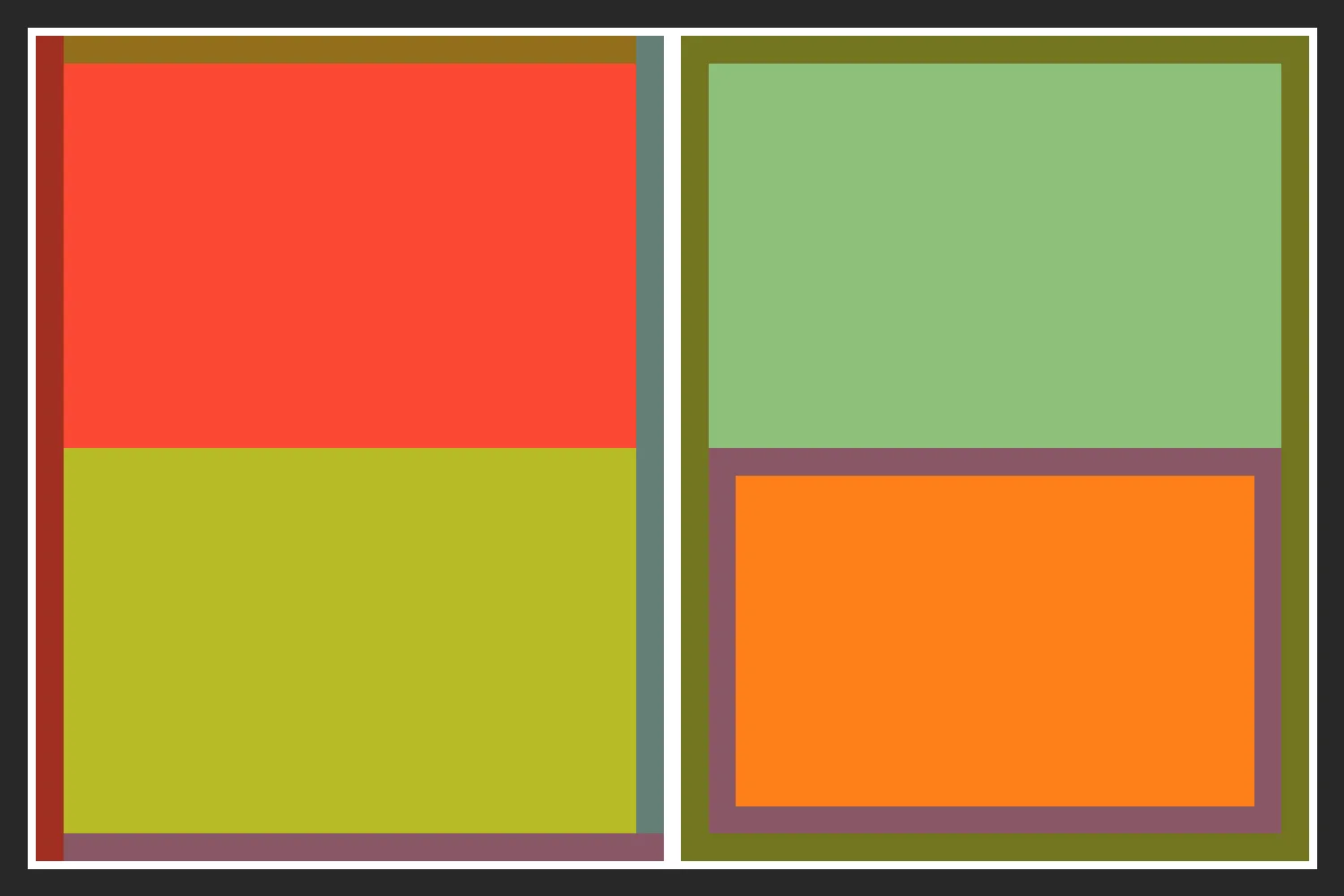
<?php
require 'vendor/autoload.php';
use Kehet\ImagickLayoutEngine\Containers\ColumnContainer;use Kehet\ImagickLayoutEngine\Containers\RowContainer;use Kehet\ImagickLayoutEngine\Items\Rectangle;
$width = 1500;$height = 1000;
// Create new image with white background
$imagick = new Imagick;$imagick->newImage($width, $height, new ImagickPixel('white'));
// Define root container
$root = new RowContainer;$root->setBorder(draw(stroke: '#282828', strokeWidth: 30));
// Create first column$column1 = new ColumnContainer;$column1->setMargin(10);$column1->addItem(new Rectangle(draw(fill: '#fb4934')));$column1->addItem(new Rectangle(draw(fill: '#b8bb26')));$column1->setBorderTop(draw(stroke: '#926E1C', strokeWidth: 30));$column1->setBorderRight(draw(stroke: '#657F75', strokeWidth: 30));$column1->setBorderBottom(draw(stroke: '#895765', strokeWidth: 30));$column1->setBorderLeft(draw(stroke: '#A02F21', strokeWidth: 30));$root->addItem($column1);
// Create second column$column2 = new ColumnContainer;$column2->setMargin(10);$column2->addItem(new Rectangle(draw(fill: '#8ec07c')));$column2->addItem(    (new Rectangle(draw(fill: '#fe8019')))        ->setBorder(draw(stroke: '#895765', strokeWidth: 30)));$column2->setBorder(draw(stroke: '#727521', strokeWidth: 30));$root->addItem($column2);
// Draw container onto image$root->draw($imagick, 0, 0, $width, $height);
// Output image as png to file
$imagick->setImageFormat('png');$imagick->writeImage(__DIR__.'/07-border.png');
Template
Section titled “Template”The same layout as a template:
{ "type": "row", "border": {"stroke": "#282828", "strokeWidth": 30}, "children": [ { "type": "column", "margin": 10, "border": { "top": {"stroke": "#926E1C", "strokeWidth": 30}, "right": {"stroke": "#657F75", "strokeWidth": 30}, "bottom": {"stroke": "#895765", "strokeWidth": 30}, "left": {"stroke": "#A02F21", "strokeWidth": 30} }, "children": [ {"type":"rectangle","fill":"#fb4934"}, {"type":"rectangle","fill":"#b8bb26"} ] }, { "type": "column", "margin": 10, "border": {"stroke": "#727521", "strokeWidth": 30}, "children": [ {"type":"rectangle","fill":"#8ec07c"}, {"type":"rectangle","fill":"#fe8019","border":{"stroke":"#895765","strokeWidth":30}} ] } ]}